
Get UTxO details on DogecoinIn this guide, you will learn to query Dogecoin and extract UTxO information by leveraging the UTxOs by Address endpoint.
Prerequisites
Before submitting an API request, ensure you have completed the following:- Create an Account
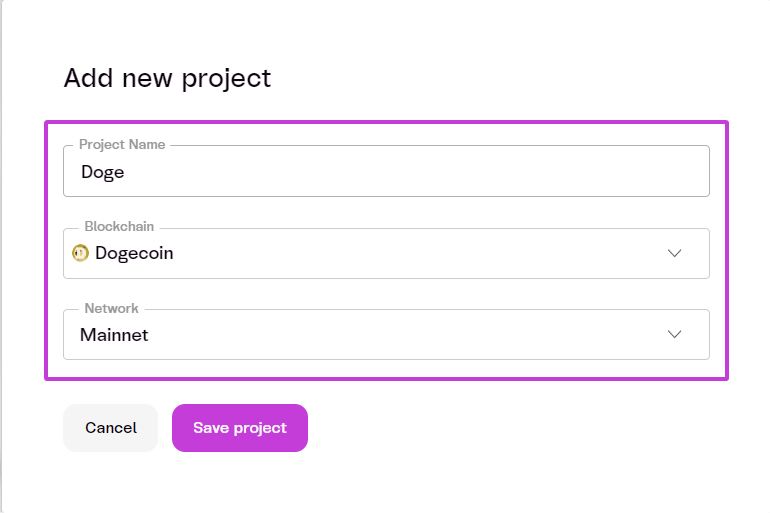
- Create a Project
Project Name: <Your Project Name>Blockchain: DogeNetwork: Mainnet
Steps to Submit an API Request
The API allows applications to list all UTxOs located at a specific address or controlled by a particular script (script pubkey). In this example, we will use theDoge Mainnet as the selected network for our project.
1. Select the Network
- Ensure your project is configured to use
Doge Mainnet.
2. Retrieve Transaction Output
- Use the following endpoint to get a list of all UTxOs that reside at the specified Doge address or script pubkey:
3. Specify Path Parameters
- Include the required path parameters in your request:
4. Specify Query Parameters (Optional)
- Include optional query parameters as needed:
5. Send the API Request
- Use cURL or your preferred tool to send the API request:
address: D9Xni5mwofyjvtzg4Cq7aE5vsDJA3zXQticount: 3order: asc
Curl
6. Review the Response
The API will return a response like the following:JSON