> ## Documentation Index
> Fetch the complete documentation index at: https://docs.gomaestro.org/llms.txt
> Use this file to discover all available pages before exploring further.
# View
> Guide to view and review your Maestro subscription details, usage metrics, billing information, and plan type from the dashboard.
**View Your Subscription**
Easily access and review the details of your subscription plan directly from the Maestro Dashboard. Whether you're on a capped monthly plan or a pay-as-you-go plan, you can quickly check your plan type, current usage, and billing information.
This guide will walk you through how to navigate to your subscription details and understand key elements of your plan, helping you stay informed and manage your account effectively.
## Prerequisites
Before managing your subscription, ensure you have completed the following:
* [Create an Account](https://dashboard.gomaestro.org) if you don’t already have one
***
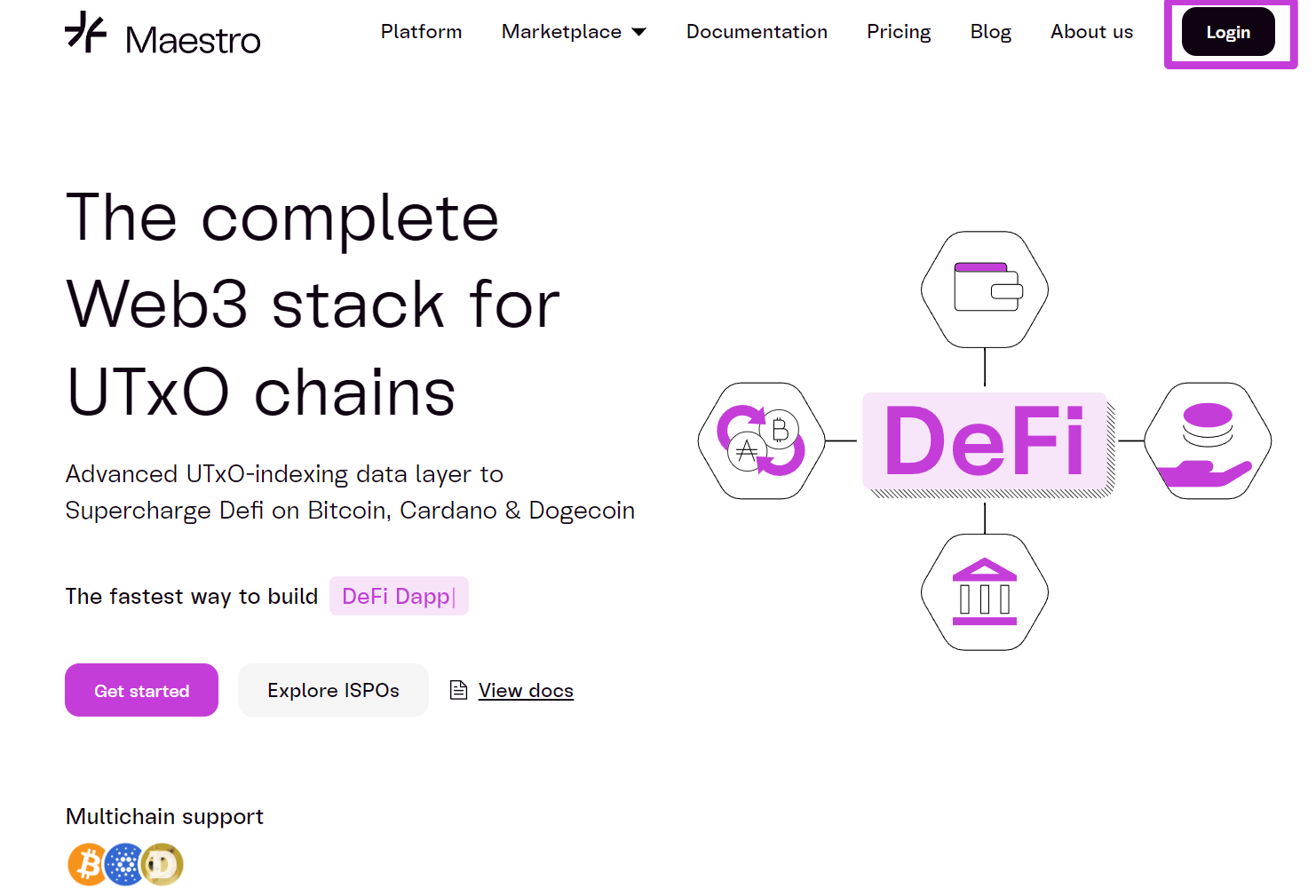
### 1. Log in to Your Maestro Account:
* Use your credentials to access the Maestro Dashboard.
 ***
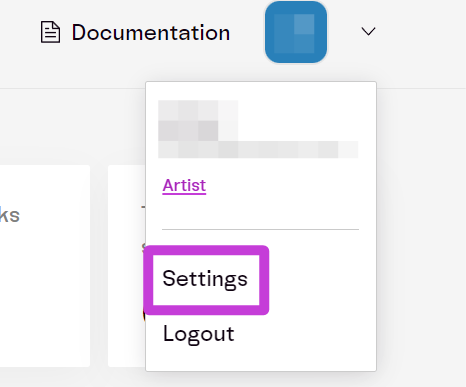
### 2. Access Account Settings:
* Click your **profile icon** at the top-right corner.
* Select `Settings` from the dropdown menu.
***
### 2. Access Account Settings:
* Click your **profile icon** at the top-right corner.
* Select `Settings` from the dropdown menu.
 * Select `Subscription`
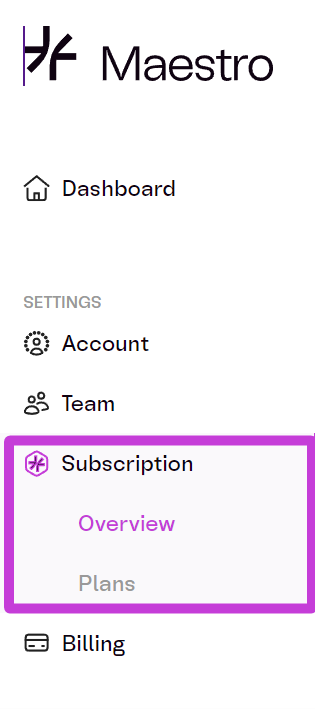 You will be redirected to the **Subscription Overview** page, where you can view the following:
* **Plan Type**: The subscription you currently use (e.g., **Artist**, **Conductor**, **Virtuoso**).
* **Price Per Month**: The cost of your current plan.
* **Credits Information**: Number of credits included, credits used, and time remaining until reset.
* **Rate**: Applicable rates based on your current usage.
For any issues with billing, please reach out to **Support****.**
You will be redirected to the **Subscription Overview** page, where you can view the following:
* **Plan Type**: The subscription you currently use (e.g., **Artist**, **Conductor**, **Virtuoso**).
* **Price Per Month**: The cost of your current plan.
* **Credits Information**: Number of credits included, credits used, and time remaining until reset.
* **Rate**: Applicable rates based on your current usage.
For any issues with billing, please reach out to **Support****.**